
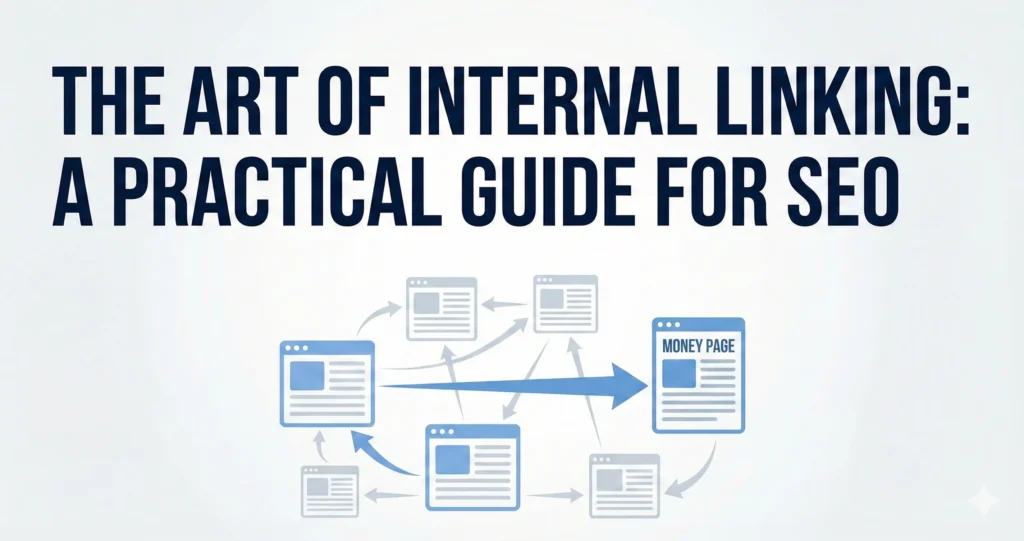
Internal linking is one of the most powerful—yet often overlooked—tools in an SEO strategy. It helps search engines understand the structure of your website, passes authority between pages, and keeps users engaged.
However, randomly inserting links isn’t enough. To see real results, you need a strategy. This guide breaks down exactly how to execute internal linking effectively, focusing on anchor text, placement, and identifying the right targets.
The Two Types of Internal Links
When writing content, you are generally looking to create two specific types of internal links:
- Links to Money Pages (Service Pages): These are the high-value pages we want to rank (e.g., a “Commercial Cleaning” or “Long Distance Moving” service page). These are often found in the website’s header or footer.
- Links to Other Blogs: These connect your current article to relevant supporting content, creating a cluster of topical authority.
The Golden Rule: Anchor Text Matters
The most critical element of internal linking is the anchor text—the clickable text in a hyperlink.
For SEO, generic anchors are a wasted opportunity. Your anchor text must be descriptive. It should tell the user (and Google) exactly what the linked page is about. A great “cheat code” for finding the perfect anchor is to look at the Meta Title of the page you are linking to; this often contains the primary keywords that page targets.
Examples of Anchor Text Evolution
Let’s look at how to upgrade your anchor text from “Wrong” to “Ideal” using real-world scenarios.
Scenario A: Linking to a blog about “How to hire a moving company in Toronto”
Wrong: “You should call a moving company…”
Why: This is too broad. It doesn’t specify the intent (hiring) or the location.
Right: “When you look to hire a moving company…”
Ideal: “If you want to hire a moving company in Toronto…”
Why: This matches the specific intent and geography of the target page.
Scenario B: Linking to a blog about “Cost to hire moving company in Toronto”
- Wrong: Check the rates of the “moving company“..
- OK: Check the cost to “hire a moving company“…
- Right: Read more about the “cost to hire a moving company“…
- Ideal: “Here is a breakdown of the “cost to hire a moving company in Toronto“…
Linking to Money Pages (Service Pages)
When linking to main service pages (the “Money” pages), precision is key. You should always ask project leads for the list of main service pages and their target anchors, but you can usually identify them by looking at the site’s navigation menu (Header/Footer).
Example 1: Fleet Insurance Page
- Target URL:
https://example.com/fleet-insurance/ - Wrong Anchor: We offer great “insurance“. (Too vague).
- Good Anchor: We specialize in “fleet insurance”.
Example 2: Toronto Movers Page
- Target URL:
https://example.com/toronto-movers/ - OK Anchor: “Trust our movers.”
- Ideal Anchor: We are the top “Toronto moving company” or “Toronto movers.”
Strategic Placement: Where NOT to Link
Just as important as what you link is where you place it. Adhere to these strict placement rules to maintain a clean user experience and proper SEO structure:
- Never link in the first paragraph: Keep the introduction clean and focused on the hook.
- Never link on Heading Tags (H1, H2, H3): Headings are for structure, not for navigation. Keep links within the body paragraphs.
The Workflow: How to Find Link Opportunities
You don’t need to guess which pages exist on the site. Use the Sitemap method to find the perfect link targets quickly.
- Open the Sitemap: Go to
yourdomain.com/sitemap.xml(or the relevant sitemap URL). - Search Keywords: Use
Ctrl + F(orCommand + Fon Mac) to search for key terms related to the topic you are writing about. - Select & Link: Find the URL that matches your topic, check its Meta Title or main keyword, and integrate it into your content using the “Ideal Anchor” principles above.