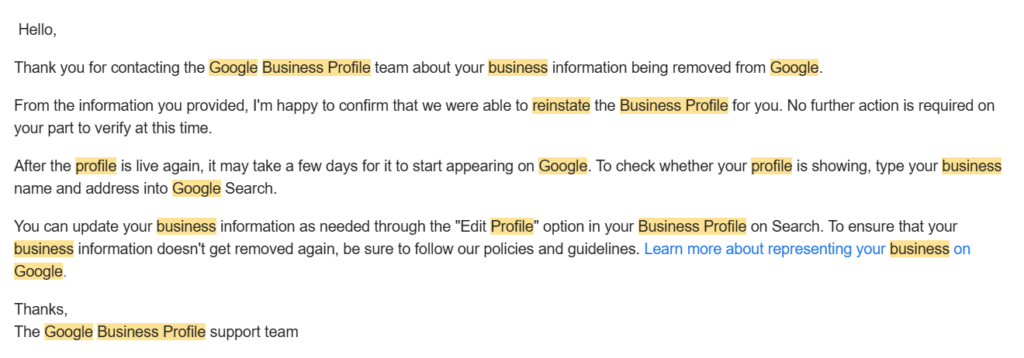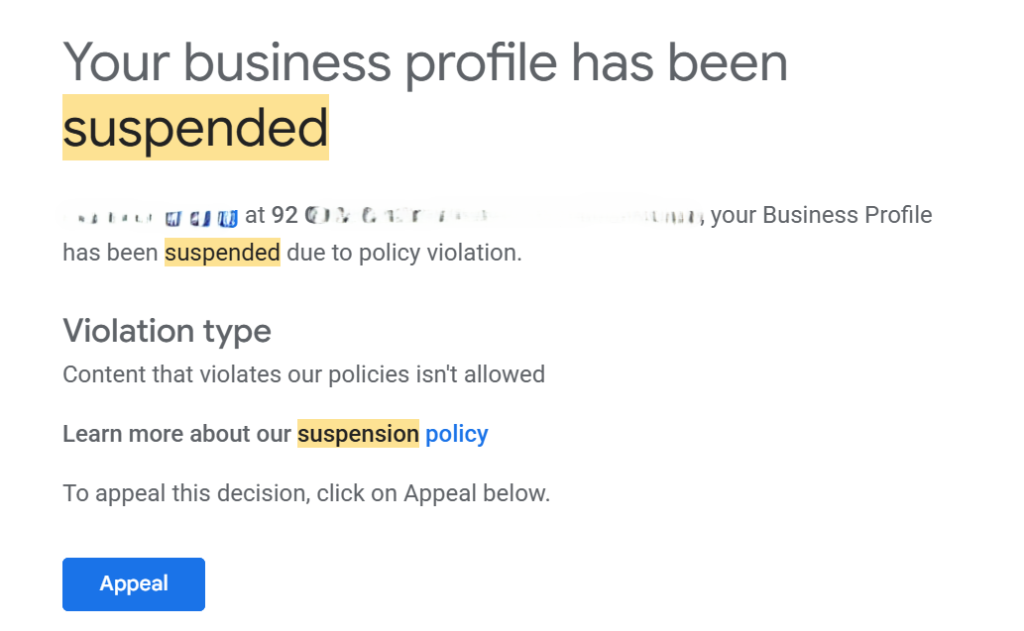
There is nothing more frustrating in local SEO than having your profile suspended by Google repeatedly.
You know the scenario: You finally trigger the video verification method. You walk outside, film the street signs, show your unlocking mechanism, demonstrate your tools, and hit submit. You get the email: “Your Business is Live!”
You relax. But the next morning, you wake up to a notification: “Your Business Profile has been suspended.”
Why does this happen?
As an SEO specialist who deals with service-based businesses (like cleaning and moving companies) in competitive markets like Ontario and BC, I see this pattern constantly.
The issue isn’t usually that you are “fake”, it’s that you are sending Google conflicting signals.
Here is the in-depth breakdown of why Google’s algorithm turned on you, and how to fix it.
1. The “Service Area” vs. “Storefront” Trap
This is the number one reason for post-verification suspensions. Google is ruthless about the distinction between a Service Area Business (SAB) and a business with a physical office.
You might have done the video verification at your home because that’s where you keep your tools and register your business. But ask yourself: Do customers come to my house during stated hours?
- If the answer is NO: You are a Service Area Business.
- The Violation: If you are operating from a residential address, but you leave that address visible on Google Maps, you will get suspended.
Even if you showed the signage in the video, Google’s automated sweep (which often runs 24-48 hours after verification) will cross-reference your address with real estate data. If it flags as residential and you haven’t hidden the address, you are down.
The Fix: If you travel to your customers (like a cleaner or mover), you must clear the address field in your dashboard and only set service areas (e.g., “Toronto,” “Mississauga”).
2. You Are a “Ghost” (Lack of Citations)
Google relies on “Entity Authority.” It needs to verify that you exist outside of Google.
If you create a Google Business Profile (GBP) but there is zero trace of your business elsewhere on the internet, Google views you as high-risk. You might have passed the video check, but the algorithm failed to find corroborating data.
The Fix: You need a “paper trail” of citations (mentions of your Name, Address, and Phone number) on trusted third-party platforms.
- Where to list: Get listed on the Better Business Bureau (BBB), Yelp, YellowPages, and industry-specific directories.
- Tools: Use lists from reputable sources like BrightLocal to find high-authority citations.
- Why it works: These citations act as “proof of life.” When Google sees your business details match on the BBB and your GBP, it trusts that you are a genuine entity.
3. The Website Footer Disconnect
This is a technical SEO detail that many business owners miss.
Does your website explicitly state the address you used for verification? If your GBP is registered to a specific location, but your website’s contact page or footer doesn’t show that address, it creates a “trust gap.”
The Fix: Embed your Name, Address, and Phone Number (NAP) in the footer of your website.
- It must match the GBP details exactly.
- Even if you are a Service Area Business and hide your address on the front end of Google Maps, having the address visible on your website’s footer helps verify your legitimacy to Google’s bots on the back end.
4. Keyword Stuffing (The “XYZ Cleaners” Mistake)
We all want to rank for keywords, but putting them in your business name is a direct violation of guidelines.
Example:
- Real Business Name: “XYZ Cleaners”
- What you put on Google: “XYZ Cleaners – Best Cleaning Company in Woodstock”
Unless you have a DBA (Doing Business As) or business registration document that explicitly says your legal name is that long string of text, this is an instant suspension trigger. Google’s AI reads your business license during verification. If the name on the license is “XYZ Cleaners” and the profile name has extra keywords, you are flagged for spam.
The Fix: Use your exact legal business name. Save the keywords for your description and posts.
Summary: How to Recover
If you are currently suspended, do not create a new profile. That creates a duplicate and makes things worse.
- Audit your info: Go to the “Info” tab. Hide your address if you are residential. Fix your name to match your license.
- Build proof: Ensure your website footer matches your GBP details and get 5-10 solid citations live.
- Submit the appeal: When you reply to Google, provide the evidence (utility bill, business license) and explain that you have corrected the Service Area or Name violation.
Please contact me if you require assistance with video verification.